There’s an app for that!
For hiking the Trail? Actually, yes.
I saw it mentioned in my copy of the 2015 Appalachian Trail Thru-Hiker’s Companion (in itself, an amazing annual volume that lists shelters, campsites, towns, what’s of interest in each town — all-you-can-eat buffets, post offices, hostels, grocery stores, and so on — mileage to various waypoints, elevation profiles. and so on). So I looked it up.
I was sold by the description and sample. And I’ve downloaded the app to my phone. Amazing piece of work. It’s called “Guthook’s AT Guide.”
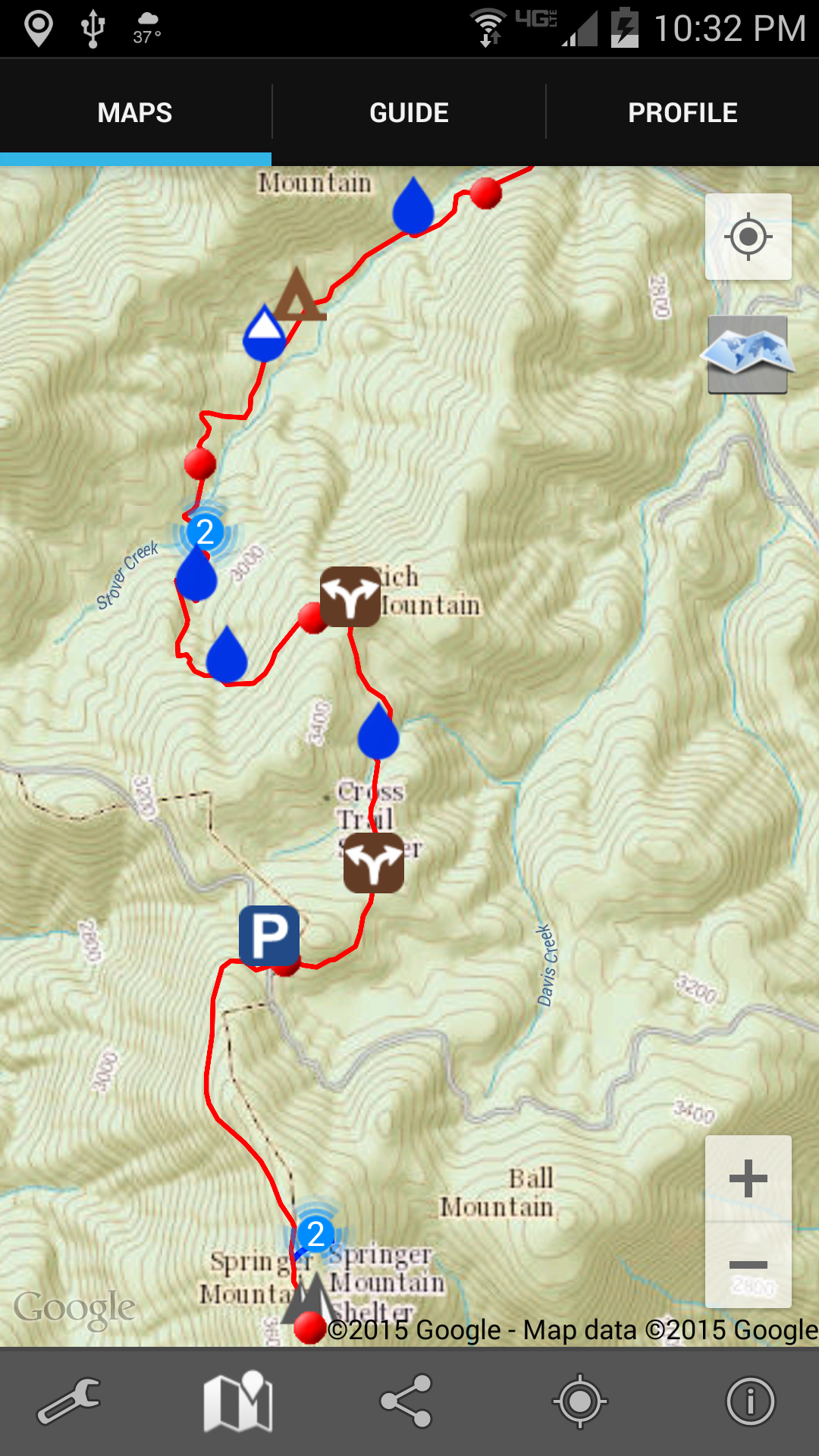
Here’s a screenshot of the very first 4 miles of the Trail heading north from Springer Mountain, Georgia. Each red dot is a mile marker. Topographic map and all! Zoomable!
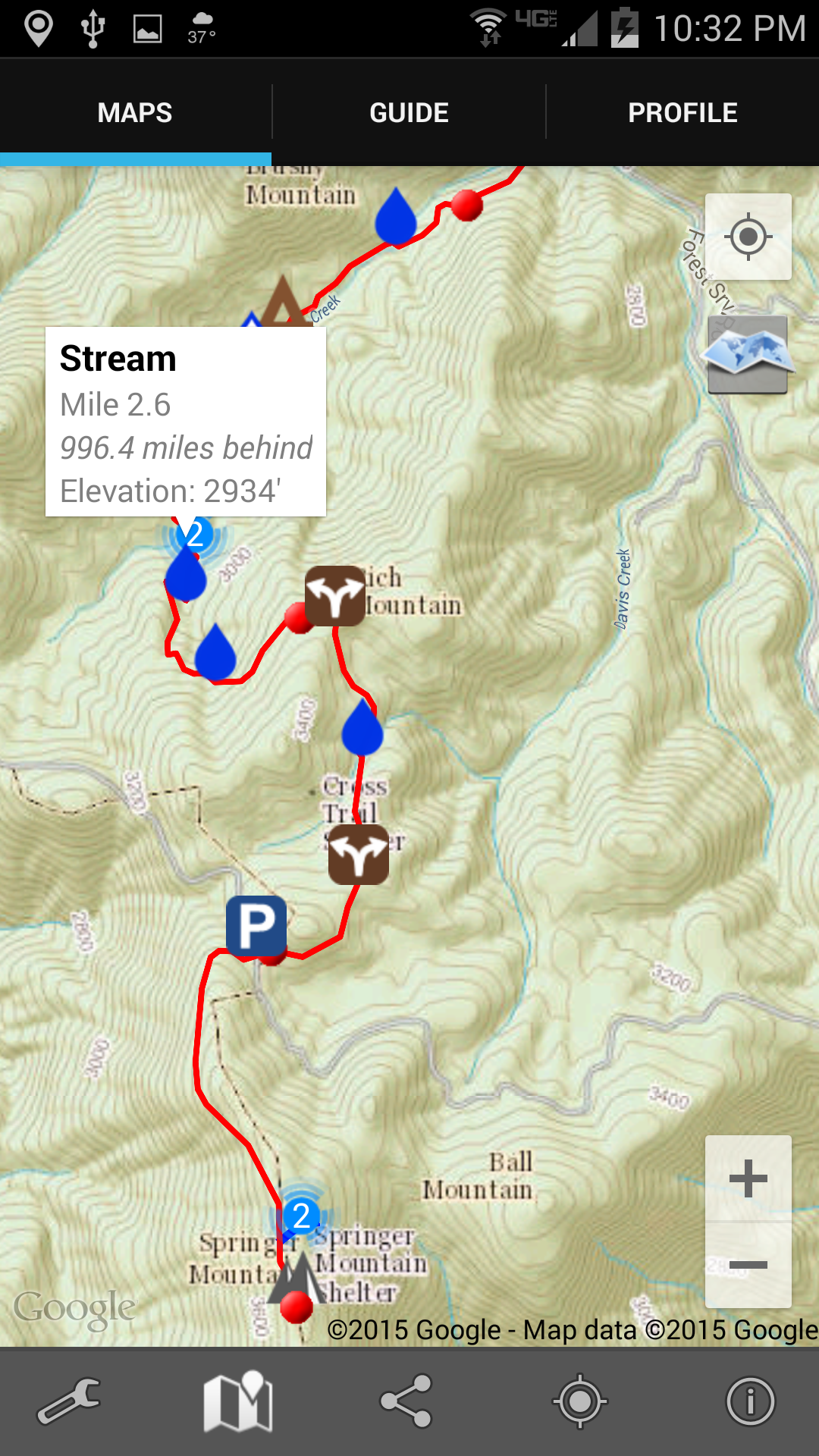
 And when I tap one of the symbols (in this case one of the water drops) there’s a notification about what that symbol is about. In this case, again, there’s a reliable water source in the form of a stream.
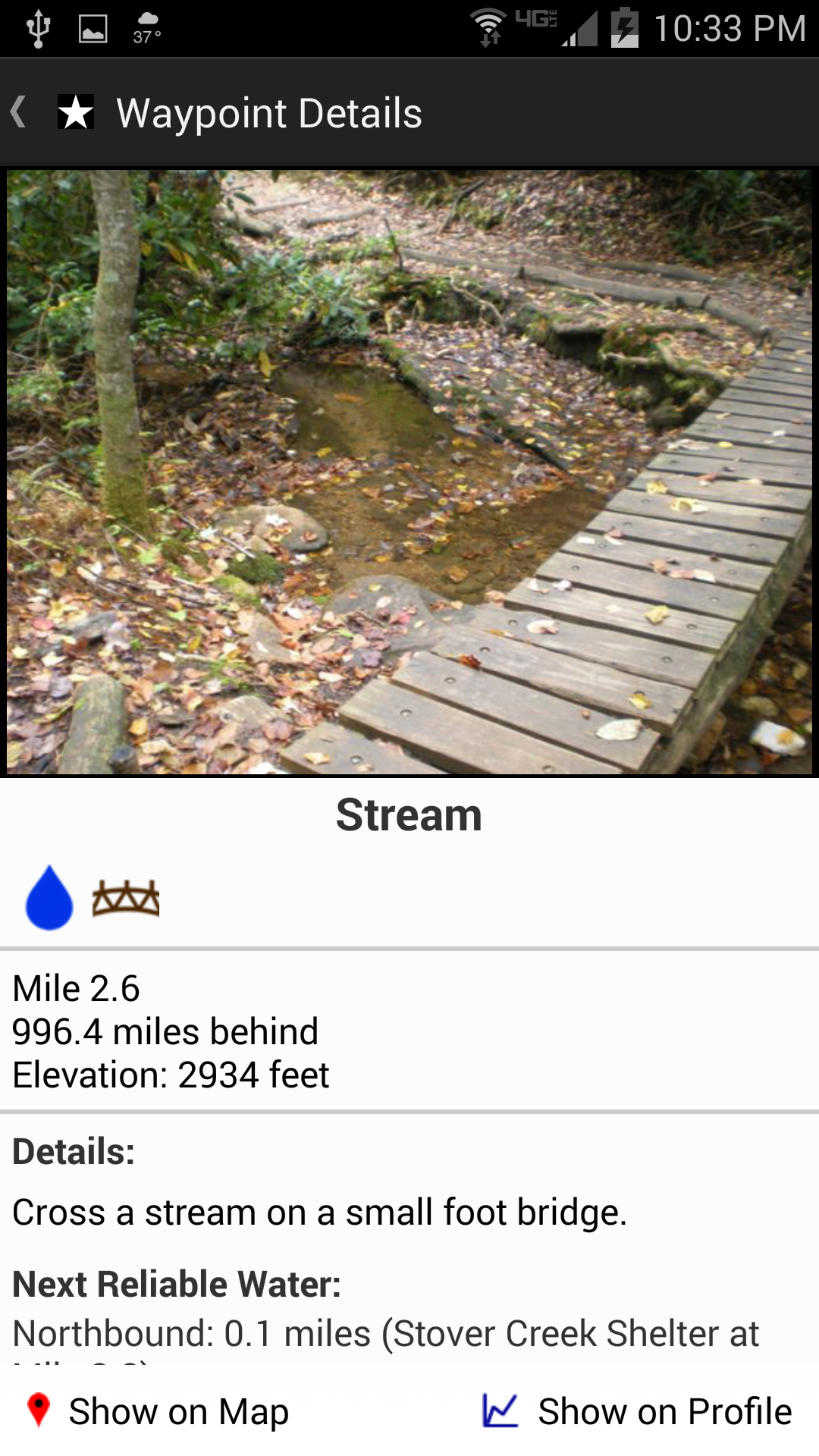
Tapping on that notification takes me to a picture of the stream (below), or shelter, or road crossing, or whatever it is. And you can see down at the bottom how far it is to the next reliable water source (which is very important information; if it’s only a mile, I don’t need to carry any water; but if it’s 12 miles, I’ll carry some, despite the weight).
 Two other things about this app really excited me: first, I can tap the screen and it’ll show me exactly where I am. I’ve always been frustrated in the past when Ive been out hiking and can’t really tell just how many miles I’ve walked or have yet to go; wondering is the next shelter 1 mile ahead or yet 3 more miles; uncertain whether that last incline was the big hill described in the book, or is that steep climb yet to come. Now I’ll be able to tell.
And second, I will be able to link this app and its location ability to Twitter. The app will send out tweets giving my location. That’s not so important in itself except to my wife, since I have basically zero followers on Twitter. But, I have also set up an IFTTT event so that when I tweet something with the hashtag #AT2015, that tweet will automatically also come to this blog. (I really like all this technology. Probably too much.)
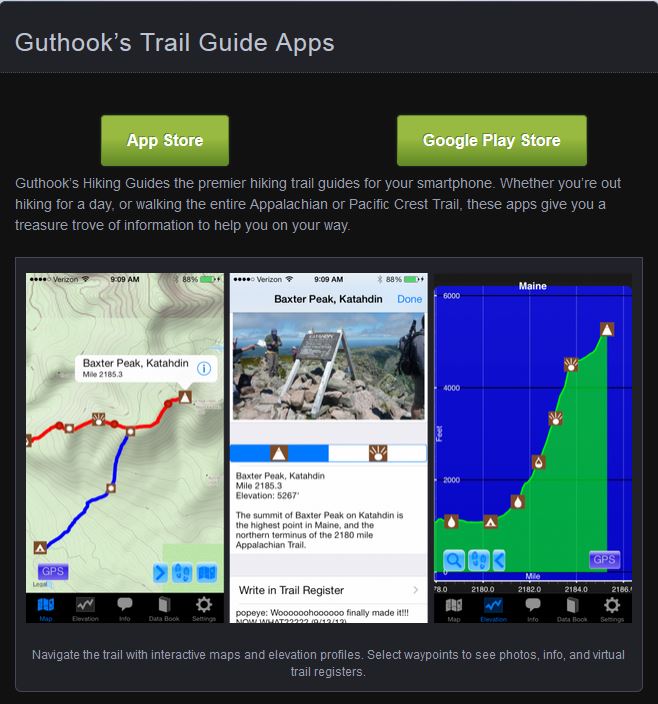
And, finally, to show you the northern end of the Trail where I’ll be finishing my hike, here’s an image from the app developer’s web site that shows the climb up Mt. Katahdin.