Registered

The Appalachian Trail Conservancy has recently begun a voluntary registration program in hopes of nudging hikers to spread out their start dates, or to start somewhere other than one of the ends (and then “flip-flop” to complete the whole Trail). The idea is that having 25 or more hikers at each shelter for the night negatively impacts both the environment and the experience.

They’re forward-thinking on this because “A Walk in the Woods” — the Robert Redford movie coming out this Spring based on Bill Bryson’s book — will almost certainly inspire a huge number of people to hit the Trail in 2016. I’ve seen some comments online from the independently-minded hiker community about not wanting to participate in the voluntary program. I registered. Here’s what I got in the mail this week:
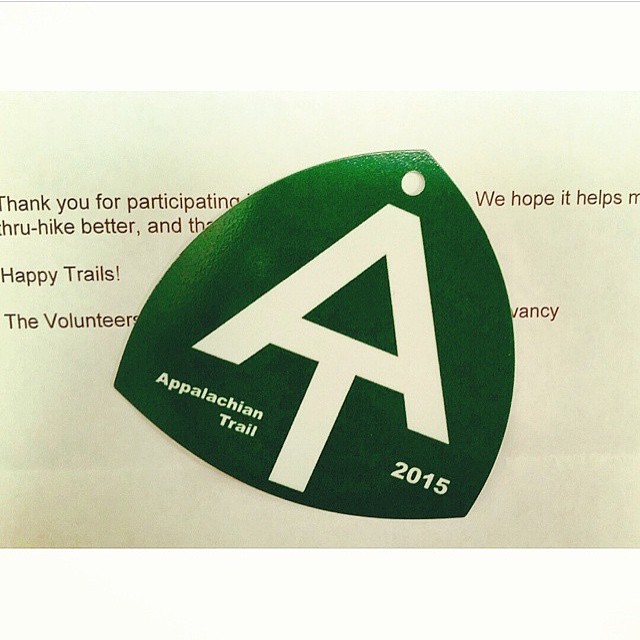
2015 AT thru-hike registration tag

Probably won’t hang the tag from my pack as they suggest (would make me feel like I was wearing a Minnie Pearl hat). But it’s nice to have.

Oh, and last I checked the website, there were only about a dozen registered to start hiking on 13 April. That’s about half the number that registered for the busy days in March. I’m either hiking behind the ‘bubble’ or April hikers haven’t registered yet.
Journal Entry: Test note from Evernote

Subscribers: Apologies for the repeated “This is a test of my thing to put journal notes directly into my blog.” posts.  I use a service called “Zapier” to auto-magically move entries from Evernote to the blog.  (Whenever I write a note in the “Journal” notebook in the Evernote application, it gets zapped directly into this blog. Means I don’t also have to log in to WordPress and try to fiddle with it on my phone.)

Anyway, I got a couple warning notices from Zapier that there was something wrong with my formula so, in trying to diagnose and fix the problem, I needed to send some extraneous “test” messages. Hopefully now it’ll work smoothly and you won’t be bothered by junk notices.

Footnote for technology nerds: when I set this zap up, it didn’t look like I could use IFTTT to connect Evernote and WordPress, but last night I read something that seemed to indicate I now could. If anybody knows for sure, please let me know. (And if you have no idea what I’m talking about, never mind.)

There’s an App for That!

There’s an app for that!

For hiking the Trail? Actually, yes.

I saw it mentioned in my copy of the 2015 Appalachian Trail Thru-Hiker’s Companion (in itself, an amazing annual volume that lists shelters, campsites, towns, what’s of interest in each town — all-you-can-eat buffets, post offices, hostels, grocery stores, and so on — mileage to various waypoints, elevation profiles. and so on). So I looked it up.

I was sold by the description and sample. And I’ve downloaded the app to my phone. Amazing piece of work. It’s called “Guthook’s AT Guide.”

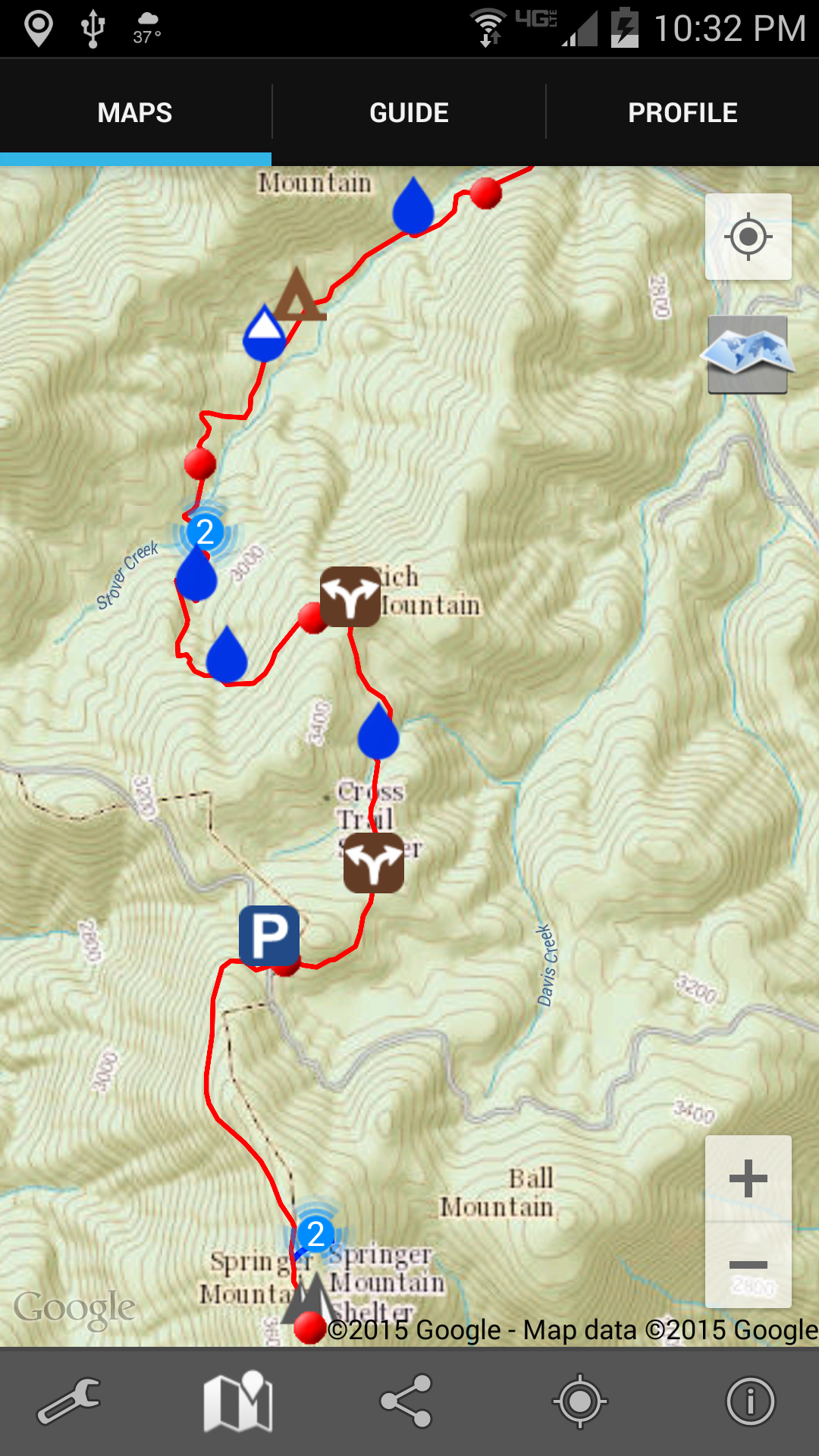
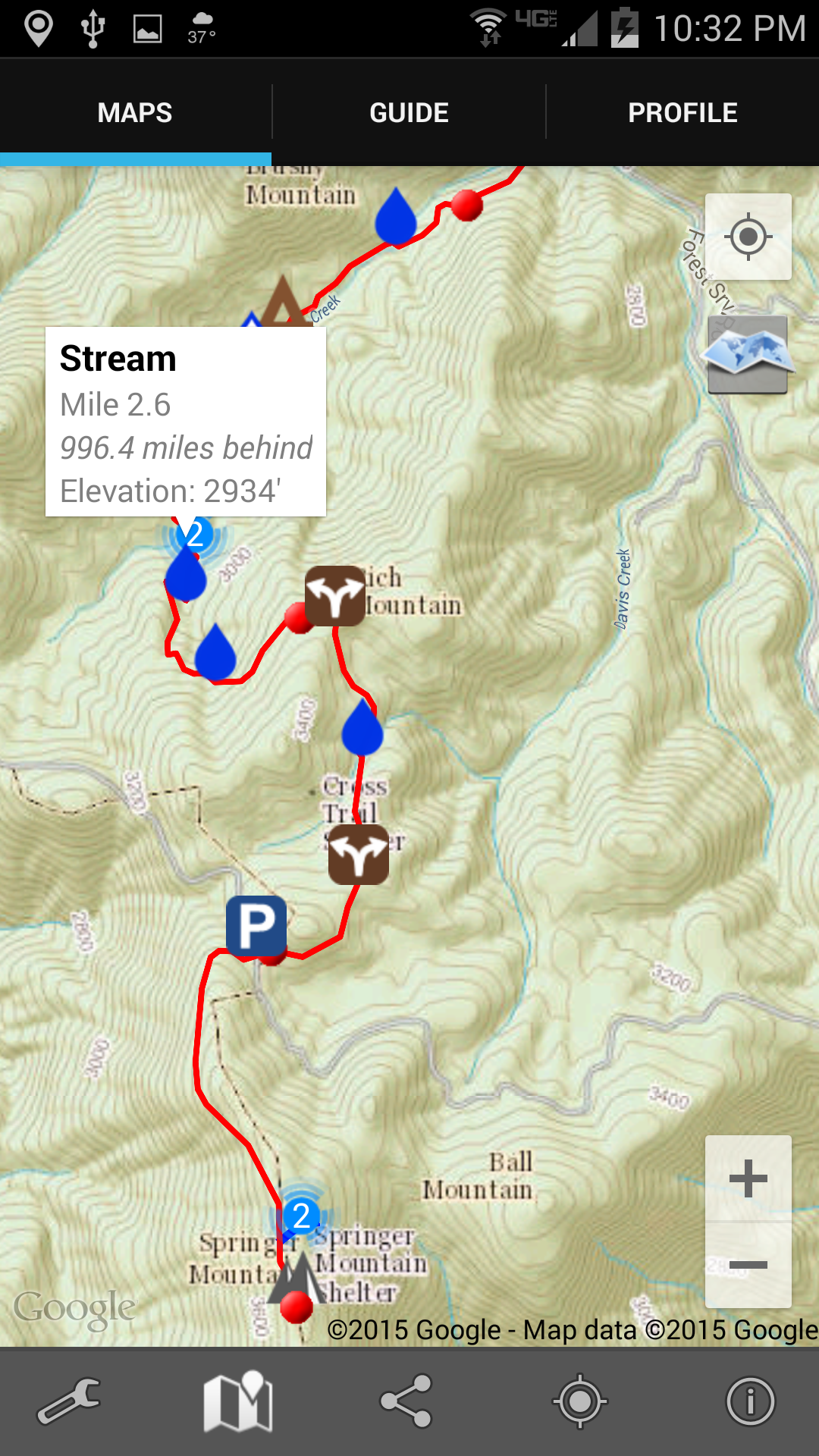
Here’s a screenshot of the very first 4 miles of the Trail heading north from Springer Mountain, Georgia. Each red dot is a mile marker. Topographic map and all! Zoomable!

Screenshot of Springer Mountain in appAnd when I tap one of the symbols (in this case one of the water drops) there’s a notification about what that symbol is about. In this case, again, there’s a reliable water source in the form of a stream.

Screenshot of water notifiction in app

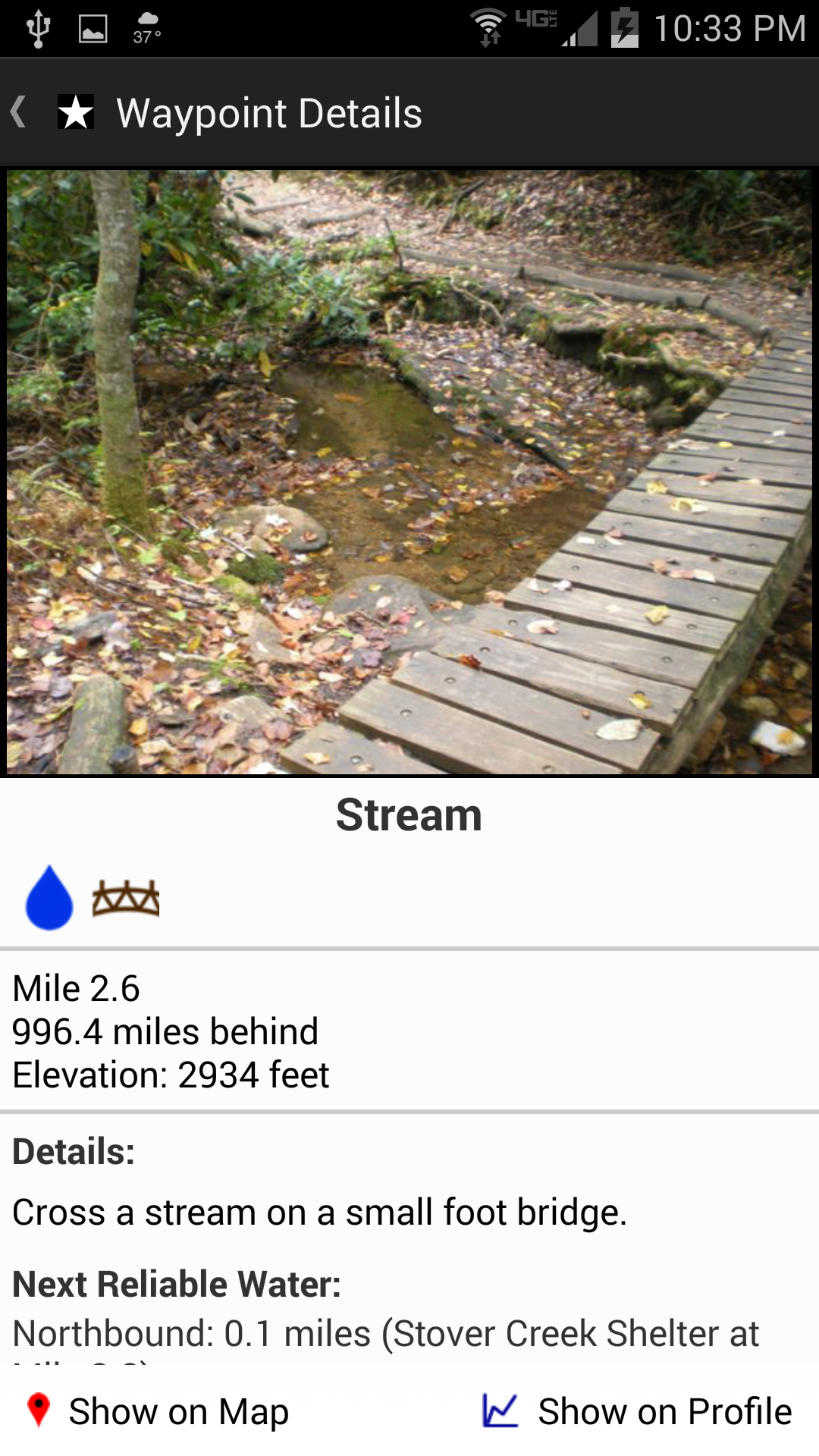
Tapping on that notification takes me to a picture of the stream (below), or shelter, or road crossing, or whatever it is. And you can see down at the bottom how far it is to the next reliable water source (which is very important information; if it’s only a mile, I don’t need to carry any water; but if it’s 12 miles, I’ll carry some, despite the weight).

Screenshot f detailed water information in appTwo other things about this app really excited me: first, I can tap the screen and it’ll show me exactly where I am. I’ve always been frustrated in the past when Ive been out hiking and can’t really tell just how many miles I’ve walked or have yet to go; wondering is the next shelter 1 mile ahead or yet 3 more miles; uncertain whether that last incline was the big hill described in the book, or is that steep climb yet to come. Now I’ll be able to tell.

And second, I will be able to link this app and its location ability to Twitter. The app will send out tweets giving my location. That’s not so important in itself except to my wife, since I have basically zero followers on Twitter. But, I have also set up an IFTTT event so that when I tweet something with the hashtag #AT2015, that tweet will automatically also come to this blog. (I really like all this technology. Probably too much.)

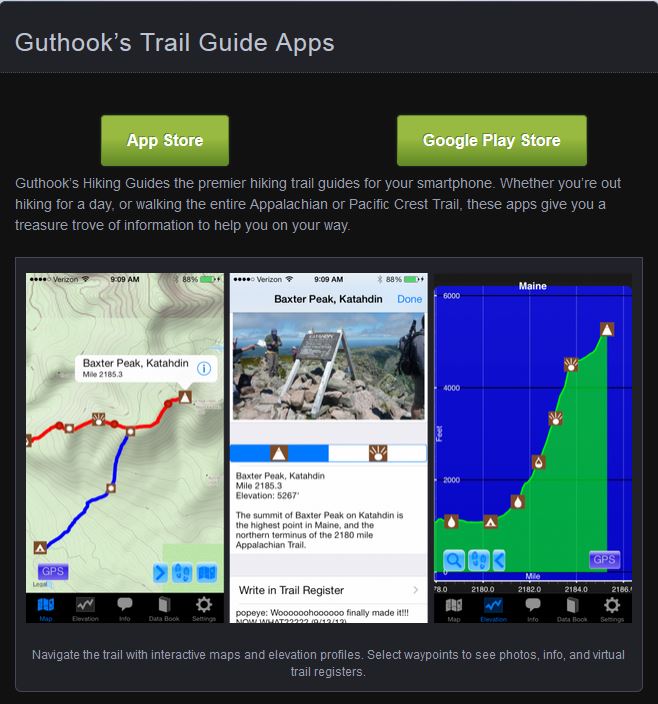
And, finally, to show you the northern end of the Trail where I’ll be finishing my hike, here’s an image from the app developer’s web site that shows the climb up Mt. Katahdin.

Mt. Katahdin in Guthook's AT Trail Guide website screen shot